Describe the process in one sentence
Fous picks your methods and adds the loops, filters and AI steps between them, ready for you to review.
Describe a workflow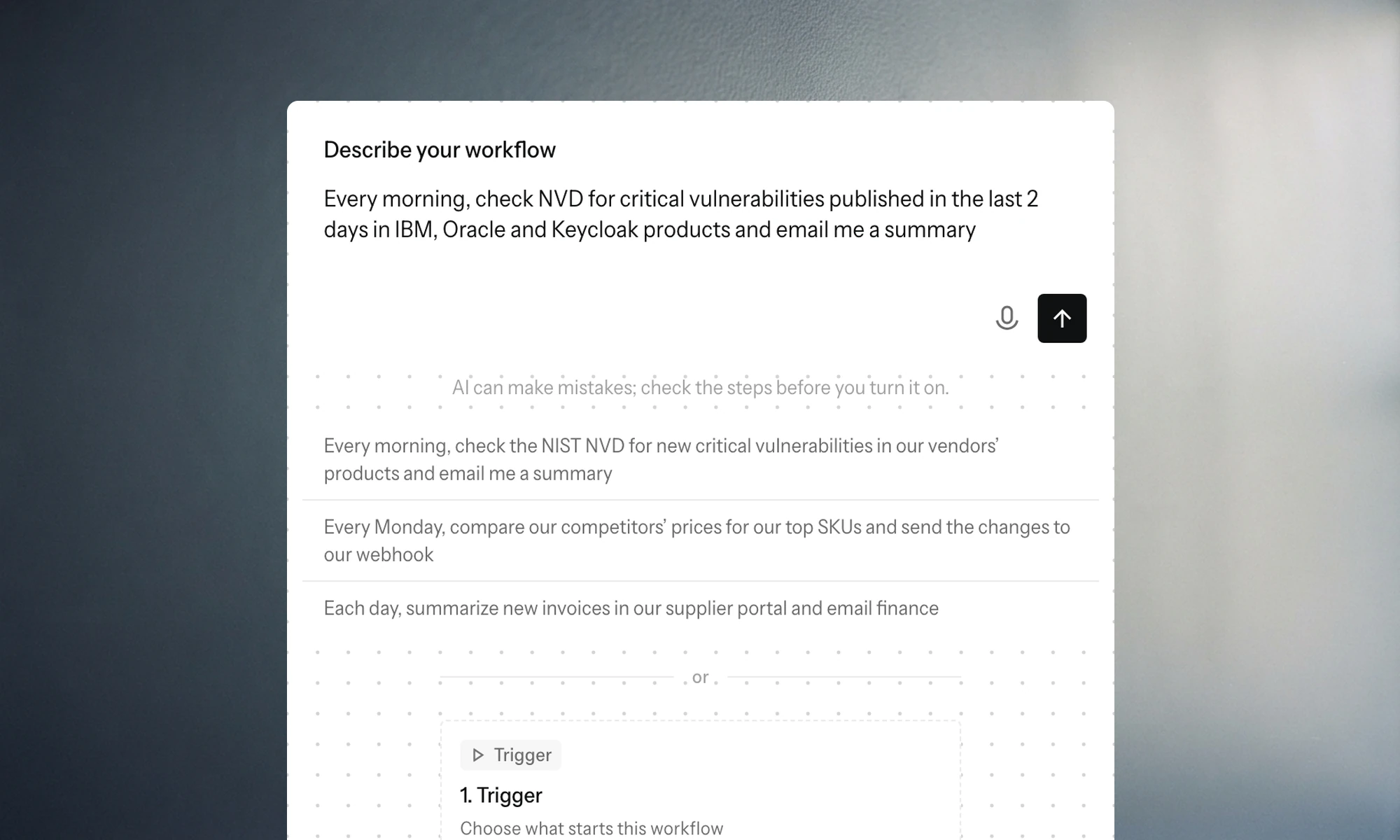
ProductWorkflows
Chain methods across websites, filter and summarize the results with AI, and send them to your webhook or inbox on a schedule.
100 credits a month, no credit card required. Failed builds and runs cost nothing.
Fous picks your methods and adds the loops, filters and AI steps between them, ready for you to review.
Describe a workflowThe schedule, each method, the loop over a list and the steps that filter and summarize are all laid out, with the credits a run will use.
Start from a sentence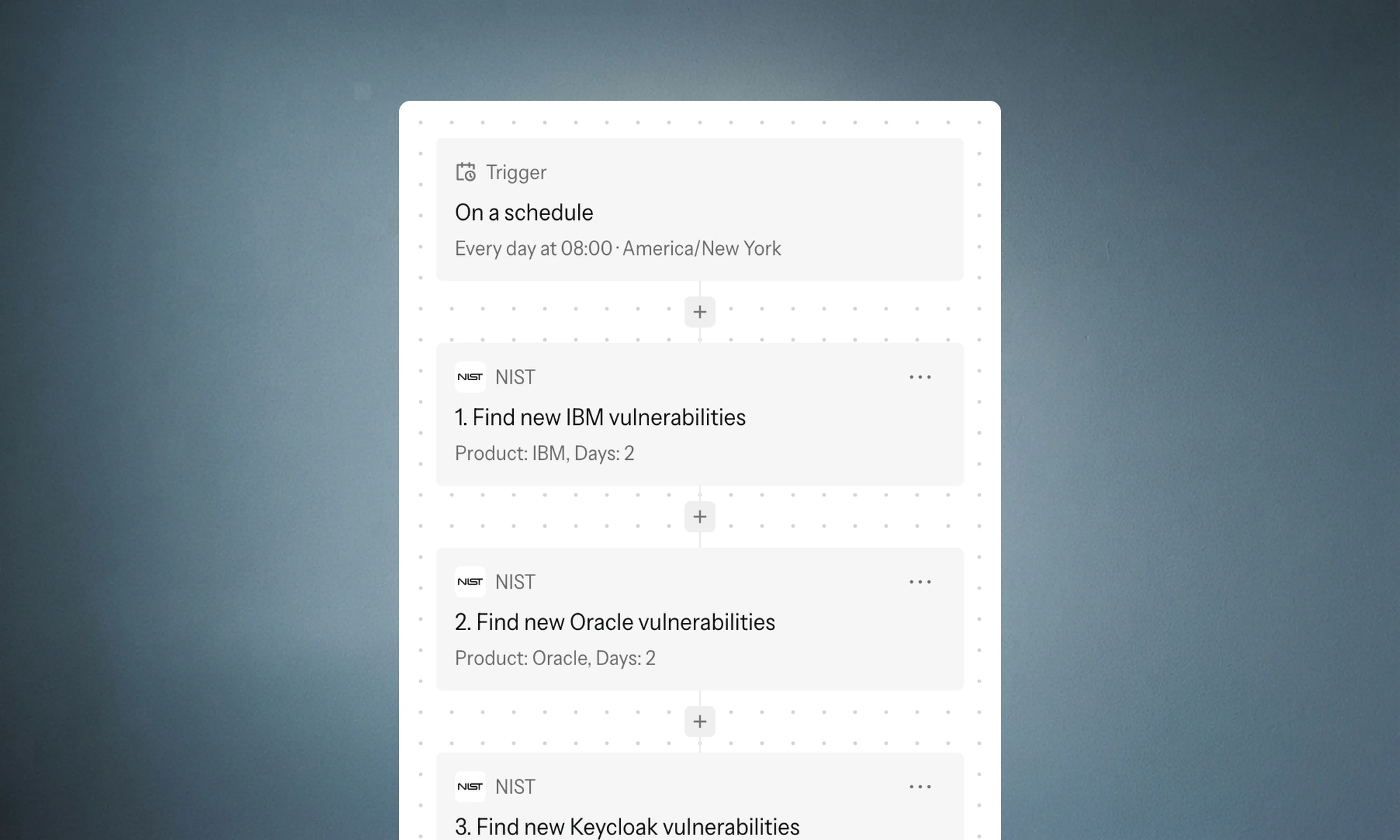
Schedules go from every minute to monthly, and your systems can start a run with one webhook call. Each step’s status shows on the run.
Schedule your first run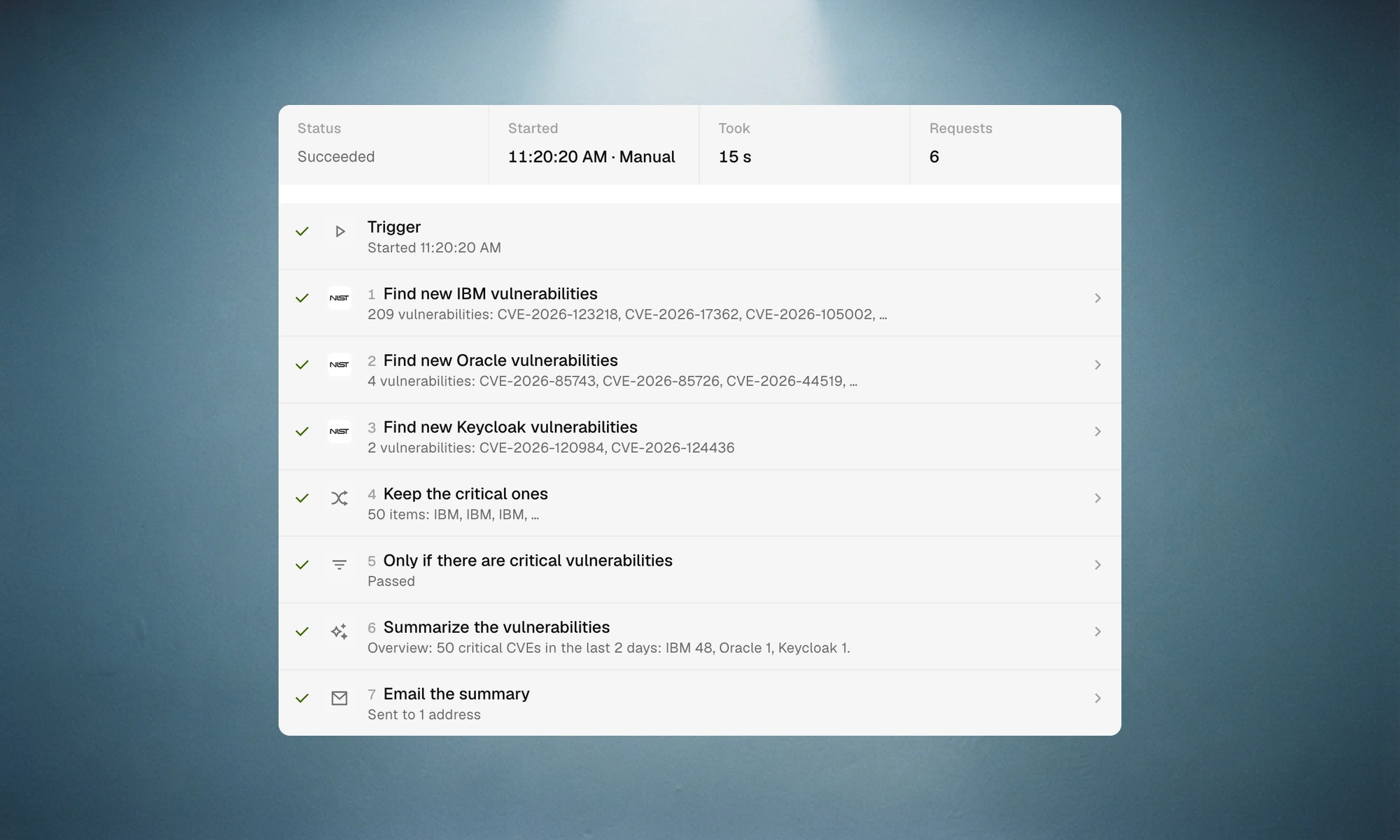
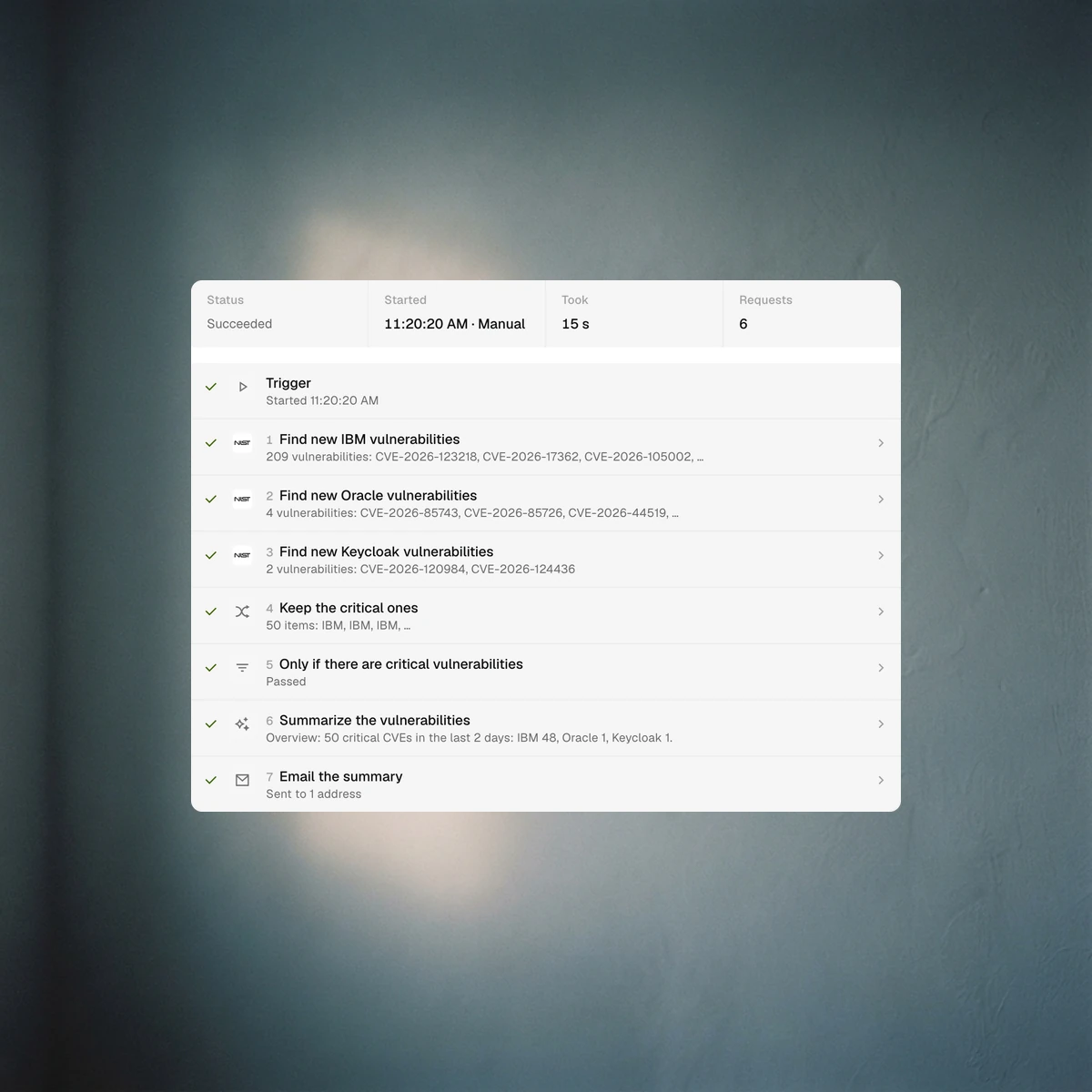
You can see exactly what each step received, what it found and where a run stopped.
Build a workflow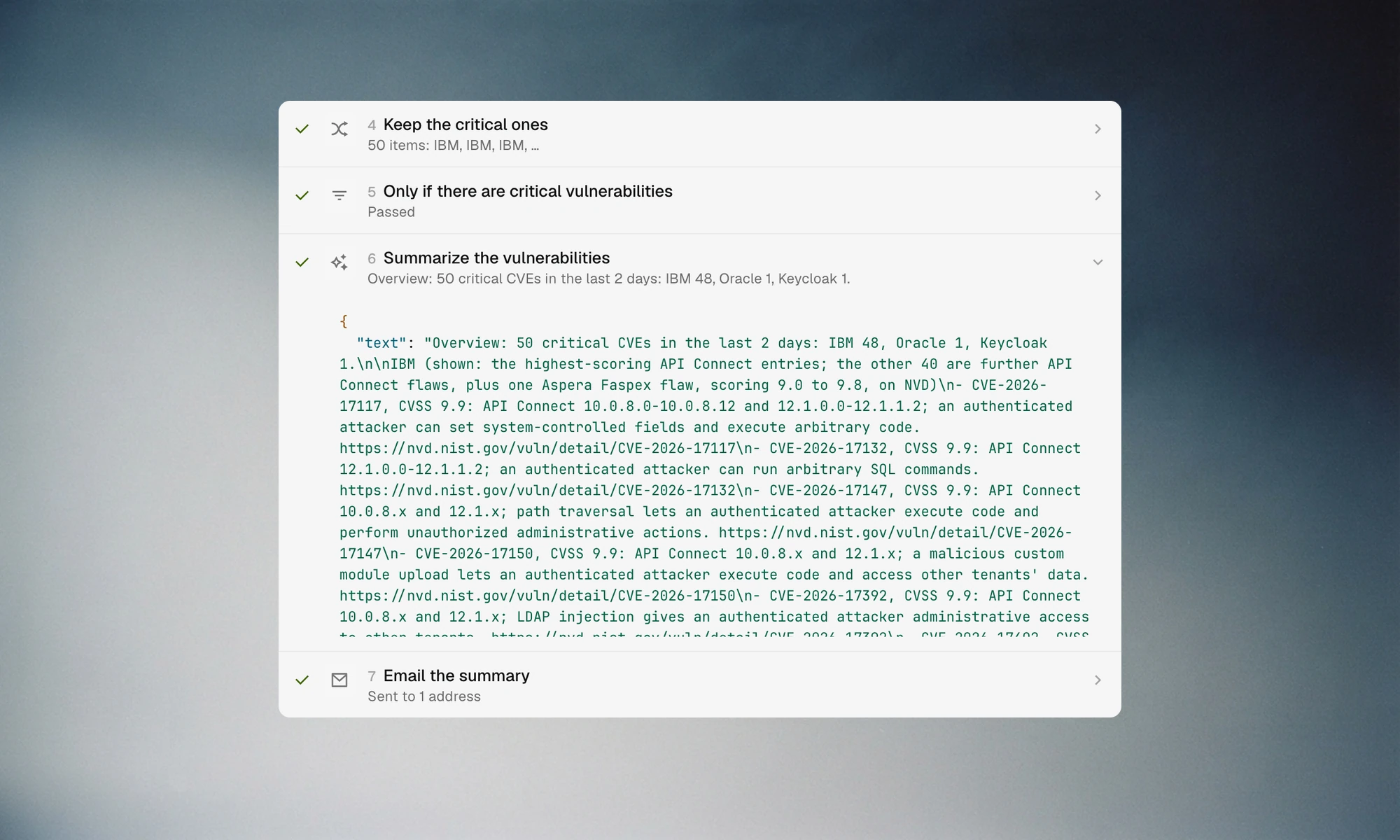
A schedule from every minute to monthly, a webhook from your systems, or the Run button.
To your ERP, Slack or API with a webhook, or by email.
Triggers, loops, filters and delays are free, every other step uses 1 credit, and the price shows before it runs.
The run keeps every step’s input, output and status, so you can see where and why it stopped.
Something else? Talk to our team
Start free in Studio with 100 credits a month and no credit card, or book a demo and walk us through the work you want off your team’s plate.
Also in FousMethodsConnectionsAPI & MCPAutomating a site with no APIBrowser agents or methods