FousFous in n8n, Zapier and Make
Call Fous from n8n, Zapier or Make
One HTTP request from your automation runs a Fous method on a website with no API and returns typed JSON. A Fous workflow can also start from your automation’s call and post its results back. For people who build automations in n8n, Zapier or Make.
Updated
1. Build the method
Press Build this in Fous, name the site and say what to read. Studio opens with the request waiting, and Fous builds and tests the method, usually in about a minute. Once it is ready, the method has a slug to run and an input schema your input must fit.
2. Create an API key
In Studio, open API keys and create a key for this automation, so you can revoke it on its own. Owners and admins of an organization can.
3. Send one HTTP request
In n8n, Zapier or Make, add a step that sends an HTTP request with these settings. Put your method’s slug in method, and values from earlier steps in input.
| Setting | Value |
|---|---|
| Method | POST |
| URL | https://api.fous.com/v1/runs |
| Authorization header | Bearer fous_sk_... (your API key) |
| Content-Type header | application/json |
| Body | JSON with method, input and, if you like, wait |
curl https://api.fous.com/v1/runs \
  -H "Authorization: Bearer $FOUS_API_KEY" \
  -H "Content-Type: application/json" \
  -d '{
    "method": "carrier.example.com/track_shipment",
    "input": { "tracking_number": "EX123456789US" },
    "wait": 30
  }'
{
"id": "run_01m5m0ere4fzdte37jhhn33ycd",
"status": "completed",
"method": {
"id": "mth_01m5kvvywdeac8fxs7nh0sw68w",
"slug": "carrier.example.com/track_shipment" ,
"version": 2,
"latest_version": 2
},
"data": {
"status": "In transit",
"estimated_delivery": "2026-10-27",
"events": [
{
"time": "2026-10-23T06:42:00Z",
"location": "Rotterdam, NL",
"description": "Departed from the sorting center"
},
{
"time": "2026-10-22T16:10:00Z",
"location": "Rotterdam, NL",
"description": "Picked up"
}
]
},
"truncated": false,
"credits": 1,
"duration_ms": 1751,
"created_at": "2026-10-23T09:11:15.035Z",
"completed_at": "2026-10-23T09:11:16.786Z"
}
Later steps read the fields in data: every field of the method’s output schema, with null for what the site did not show.
4. Or start a whole workflow
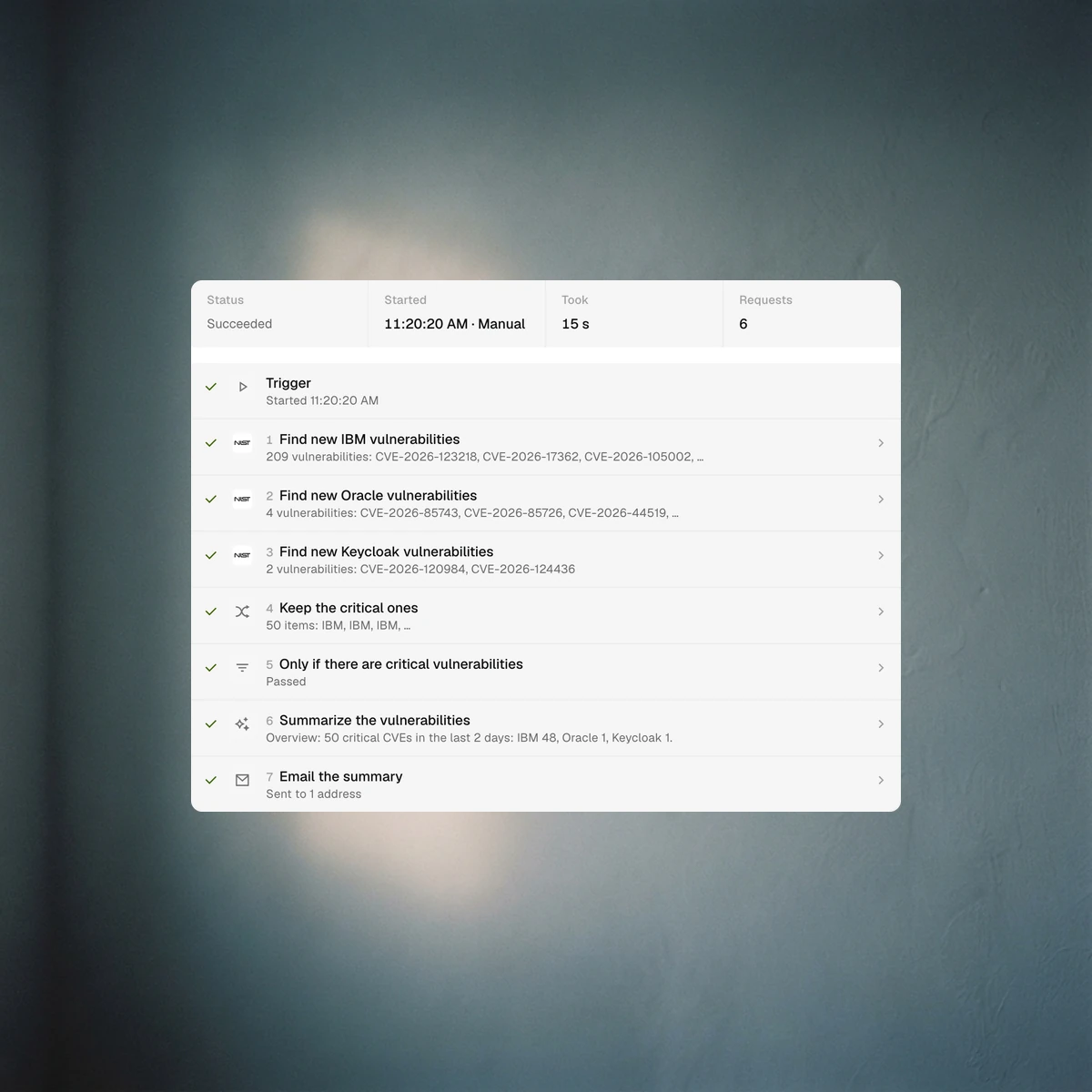
A workflow adds a schedule, loops, filters and delivery to your methods. One with a webhook trigger gets a webhook_url when it is saved, and starts a run on each call while it is turned on. Any tool that can send an HTTP POST can call it, with no API key, because the URL itself is the secret. The JSON body is the run’s input.
curl https://api.fous.com/v1/hooks/whk_3q9ZxK0cLm2vT8yR5nB1wJ7dF4hG6sPa \
  -H "Content-Type: application/json" \
  -d '{ "status": "overdue" }'
{ "run_id": "wfr_01m6vhg04gfg9983c4agtcvyse", "workflow_id": "wf_01m6vnc9ewe3za9g5kqvd8yrkp" }
Webhook triggers need a paid plan, from $29 a month. Keep the URL secret: if it leaks, replace it, and the old one stops working at once.
5. Send the results back
To hand a workflow’s results to n8n, Zapier or Make, add a webhook step that posts to their URL. Webhook steps use no credits.
{
"key": "post",
"name": "Post the digest",
"type": "webhook",
"url": "https://hooks.example.com/finance" ,
"body": { "text": "{{steps.summary.text}}" }
}
Every call carries an X-Fous-Signature header, so the receiver can check that it came from Fous, and the same Idempotency-Key on each attempt.
Good to know
- Long runs
- A run waits for its result 30 seconds by default, up to 60 with wait. One still going answers 202 with its id: read it with GET /v1/runs/{id} instead of sending it again, and keep wait below your tool’s timeout.
- Safe retries
- Send an Idempotency-Key header with a run. The same key and request within 24 hours answer with the first run and charge nothing more.
- Sites behind a login
- Connect the account once in Studio under Connections, two-step codes included. Runs then use it, and the request’s connection field picks one when the site has several.
- What it costs
- A completed run uses 1 credit, and failed runs are free. In a workflow, each method, AI and email step that runs uses 1 credit; webhooks, filters and triggers are free.
In the docs
- Run a method: results, slow runs, retries and failures.
- Workflows: a whole workflow, from creating it to starting it by webhook.
- Triggers: inputs, schedules and webhook triggers, with their limits.
- Steps: the webhook step, its headers and how to verify its signature.
Frequently asked questions
For methods, yes: an API key runs your methods on every plan, Free included. Starting a workflow from its webhook address needs a paid plan, and schedules run on every plan.
No. The URL itself is the secret, so keep it private. If it leaks, replace it, and the old URL stops working at once.
Yes. X-Fous-Signature holds an HMAC-SHA256 of the timestamp and the body, made with the workflow’s signing secret.
Bring a website with no API into your automation
Build the method in Studio with 100 credits a month and no credit card, then call it from n8n, Zapier or Make.
Read nextWorkflowsAPI & MCPWebsite tools for coding agentsClay enrichmentPortal data by emailReplacing a scraper