FousPortal data by email
Email data from a portal behind a login, on a schedule
A Fous workflow runs a method on your portal with your saved login, on a schedule, and emails you what it finds. For anyone who signs in to a supplier, carrier or customer portal every morning to check the same page.
Updated
1. Connect your login
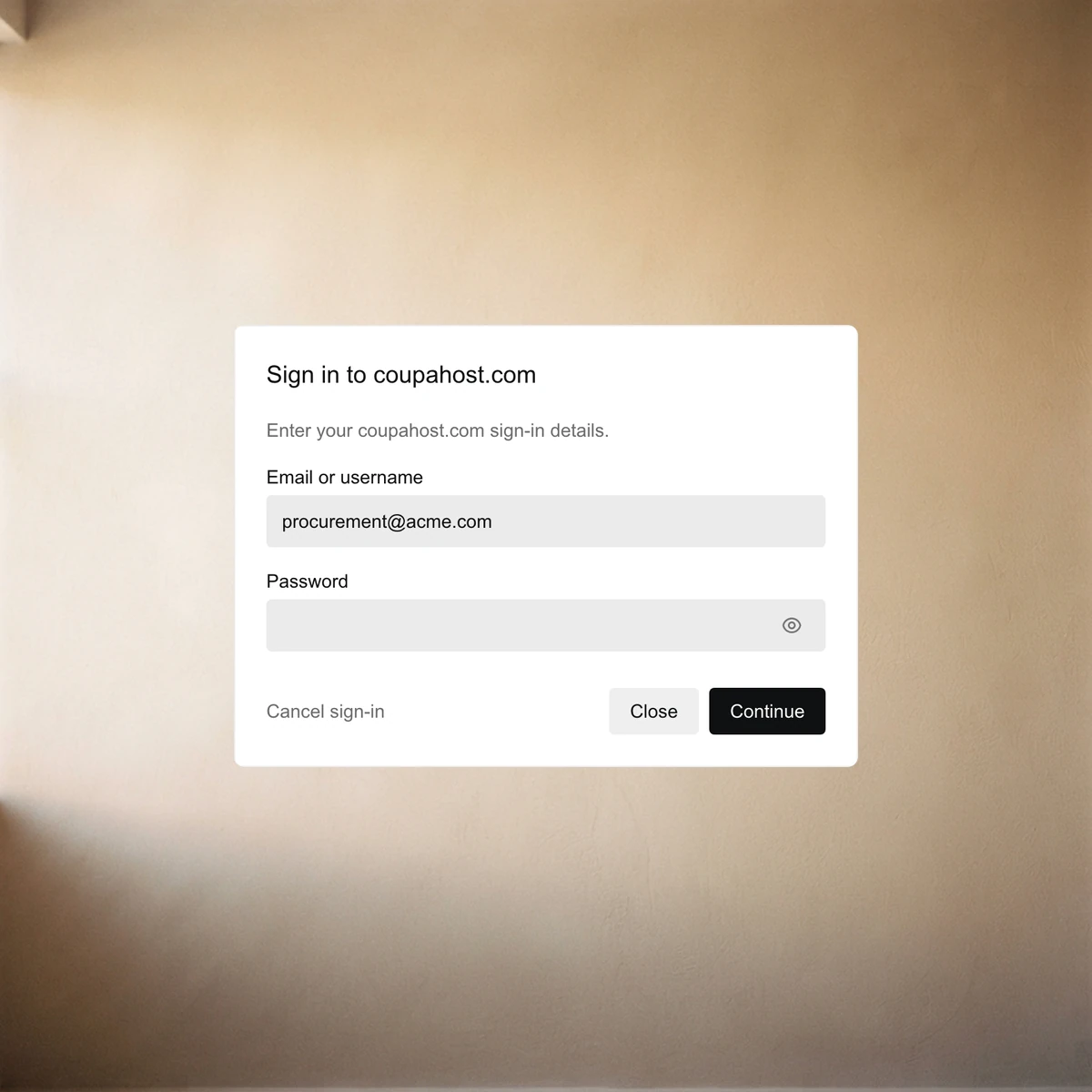
In Studio, open Connections and sign in to the portal once, through its own sign-in, two-step codes included. Fous seals the login with AES-256, and the API never returns it.
When the portal ends a session, Fous signs back in by itself if it can. If the portal asked for a code when you signed in, Connections shows Keep signed in, with what Fous needs to sign in alone, such as your authenticator app’s setup key, or the portal’s code emails forwarded to an address Fous gives you. A portal that asks for approval on your phone needs a person each time.
2. Describe the workflow
Press Build this in Fous, and a new workflow opens in Studio with the request waiting. Say when it runs, what to read on the portal and what the email should hold. Fous picks your methods and adds the steps between them.
If the request does not say which portal, Fous asks. If you have no method on the portal yet, the draft holds a step that waits for one, and the workflow can run once that method is built.
From code, the same request is one POST. With an API key there is no person to email, so the email step’s recipients are left for you to fill in.
curl https://api.fous.com/v1/workflows \
  -H "Authorization: Bearer $FOUS_API_KEY" \
  -H "Content-Type: application/json" \
  -d '{
    "prompt": "Every Monday at 9, list open invoices on our portal and email me a digest",
    "timezone": "Europe/Berlin"
  }'
3. Check every step
Read each step before you turn it on: the schedule, the method that reads the portal and the email, with the credits a run will use. A schedule runs at its time in the time zone you set, across daylight saving changes.
{
"type": "schedule",
"inputs": [],
"schedule": {
"frequency": "weekdays",
"at": "09:00",
"timezone": "Europe/Berlin" ,
"input": {}
}
}
The email is plain text from workflows@fous.com, and replies go to the person who created the workflow. On Free, Starter and Pro it can go only to people in your organization; on Business and Enterprise, to anyone.
4. Turn it on
A new workflow is saved turned off, and its schedule fires only while it is on. Run it once by hand to check it, then turn it on in Studio, or from code.
curl -X PATCH https://api.fous.com/v1/workflows/wf_01m6vnc9ewe3za9g5kqvd8yrkp \
  -H "Authorization: Bearer $FOUS_API_KEY" \
  -H "Content-Type: application/json" \
  -d '{ "enabled": true }'
5. If the portal signs you out
When Fous cannot sign back in, your organization’s owners and admins get one email with the sign-in link, and scheduled runs wait instead of failing. They go on by themselves once someone signs in, up to 23 hours from their start.
Good to know
- What it costs
- Each method, AI and email step that runs uses 1 credit, and schedules, filters and delays are free. Schedules run on every plan, Free included, within its 100 credits a month.
- Saved logins
- Website logins each plan keeps: Free 1, Starter 1, Pro 5, Business 15. API keys for a site don’t count.
- Retries
- A step that fails for a passing reason, such as a timeout or a site’s 5xx, is tried up to 5 times in all, and failed attempts cost nothing.
- Failure emails
- When a scheduled run fails for good, the workflow’s creator gets one email, and no more until one of its runs completes.
In the docs
- Connect an account: sign-in steps, two-step codes and keeping a login signed in.
- Create a workflow: from a sentence or from JSON, and building missing methods.
- Triggers: every schedule, from every minute to monthly.
- Run a workflow: statuses, retries, waiting for a sign-in, and pricing.
Frequently asked questions
Yes. You sign in once through the portal’s own sign-in, codes included. To sign back in alone, Fous uses your authenticator app’s setup key or emailed codes forwarded to it; a portal that asks for approval on your phone needs a person each time.
On Business and Enterprise. On Free, Starter and Pro, workflow emails go only to people in your organization.
From every minute to monthly. Daily, weekday, weekly and monthly schedules run at a time in the time zone you choose.
Turn a portal check into an email
Describe it in Studio with 100 credits a month and no credit card, or book a demo and bring the portals your team signs in to.
Read nextWorkflowsConnectionsWebsite tools for coding agentsFous in n8n, Zapier and MakeClay enrichmentReplacing a scraper